
Kuailuping — Android screen recorder
Record your screen and internal audio, with optional HD recording and videos saved locally.
Record your screen and internal audio, with optional HD recording and videos saved locally.
Key features
Record your screen with one tap — perfect for how-tos, gameplay, and online demos.
Capture the phone's internal sound on Android 10.0 and above, when the app being recorded allows audio capture.
Choose the recording quality and resolution you need; videos are saved to your local gallery.
Use cases
Turn phone steps into a video that's easy to share with others or keep for yourself.
Record gameplay, online classes, or meeting demos, keeping both the screen and its sound.
Screenshots
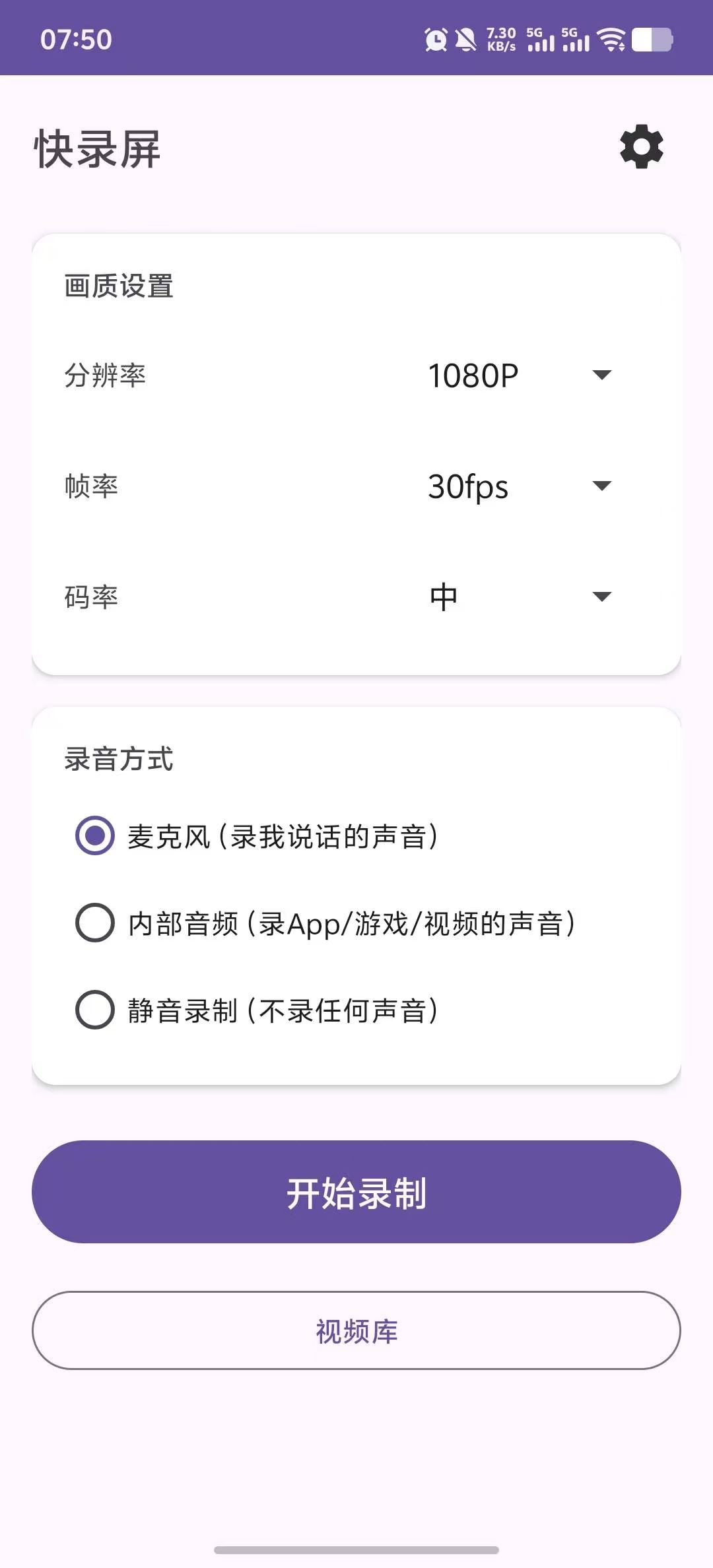
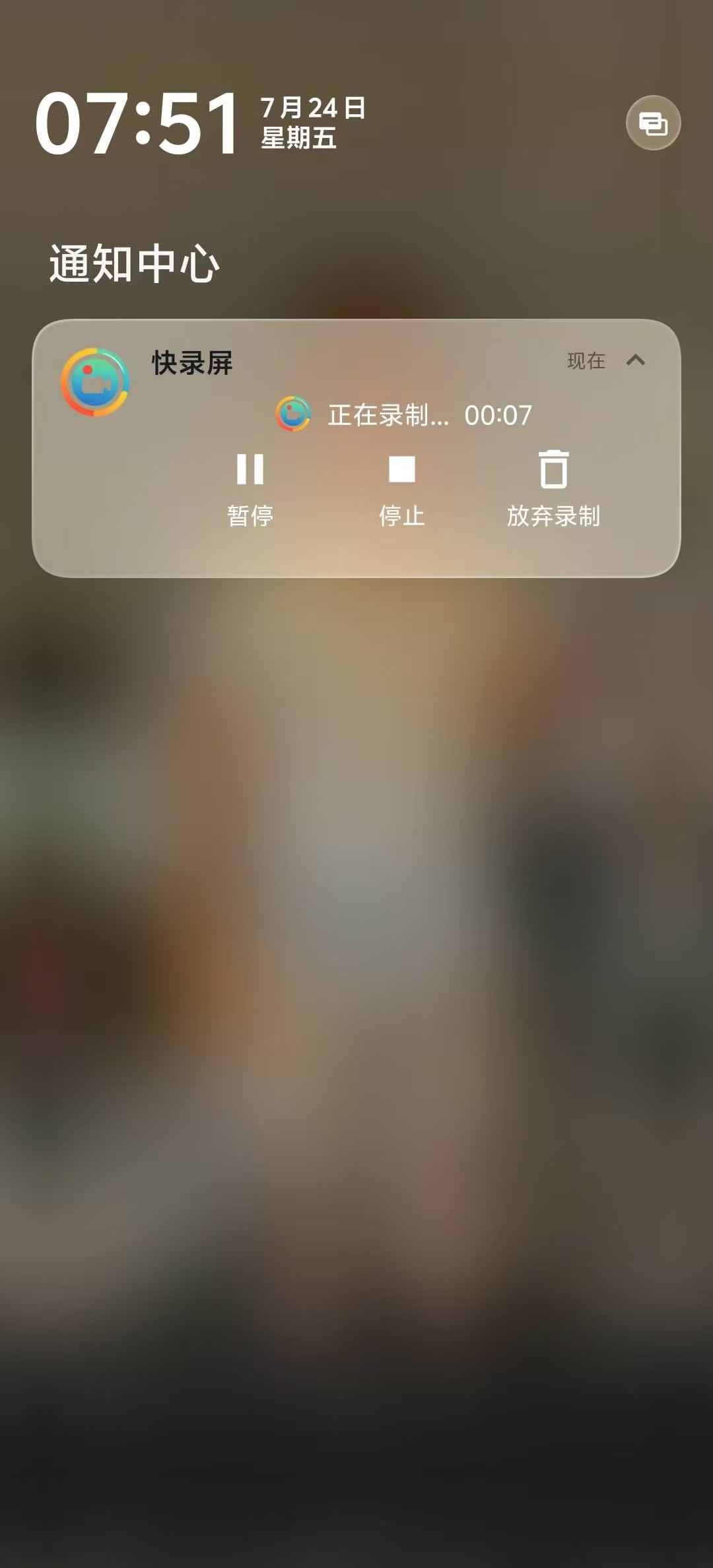
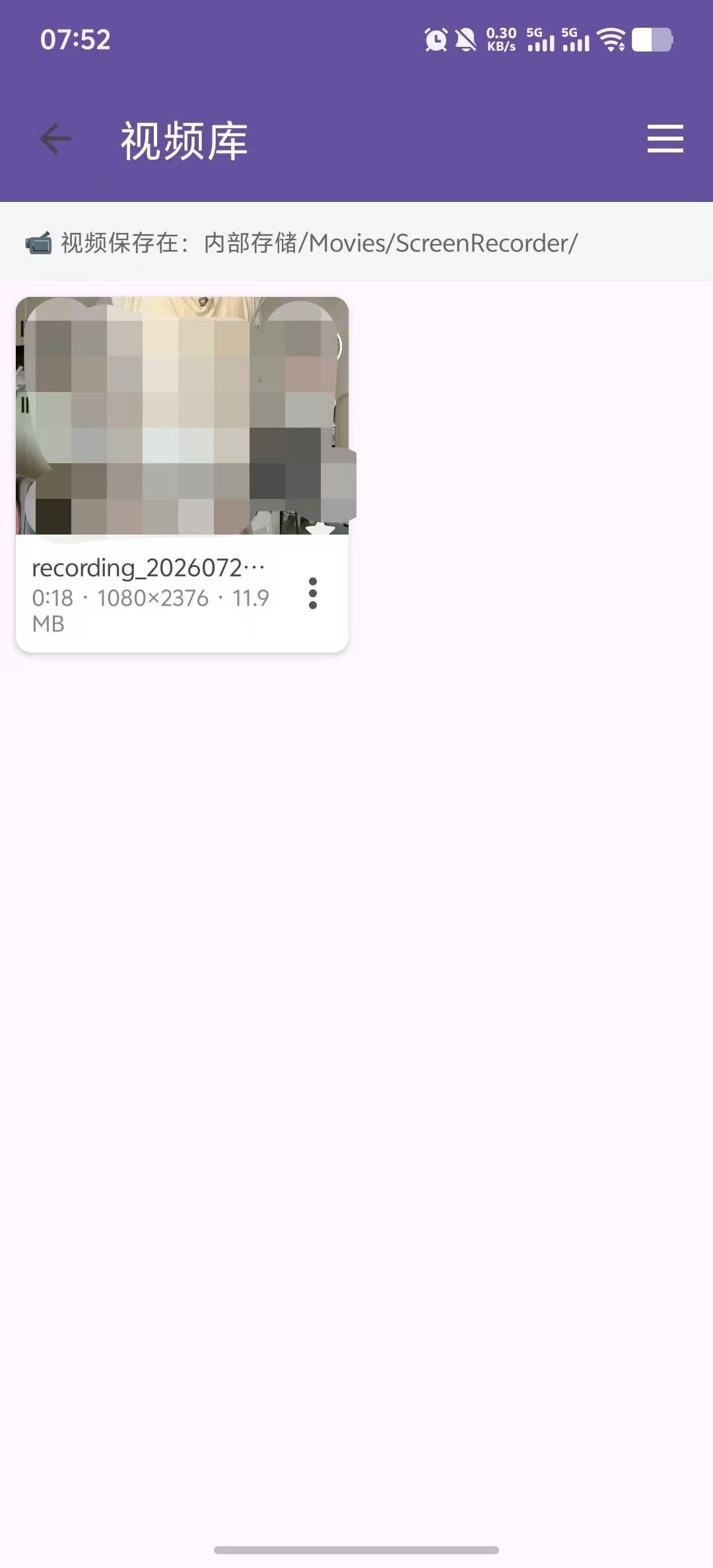
Real app screenshots.
How it works
In Kuailuping, start a screen recording and choose whether to capture sound as needed.
Choose internal audio or the microphone as needed; note that some apps restrict internal audio.
When you finish, the video is saved to your local gallery, where you can view and share it.
Yes. Kuailuping supports internal audio recording on Android 10.0 and above, provided the app being recorded allows audio capture. Actual results depend on the app being recorded.
Recorded videos are saved to your phone's local gallery. You can review the recording parameters in settings; if you run into a watermark issue, please let us know by email.
Kuailuping supports Android 10.0 and above.
Check whether the selected audio source in recording settings is internal audio or the microphone. Some apps restrict internal audio capture; if needed, switch to microphone recording.
Finished videos are saved to your phone's local gallery, and can be viewed in the gallery or in Kuailuping's recording list.
After downloading the APK, open it from your phone's file manager to install. The first install may require allowing unknown apps; see the install help on the download page.
Official APK, works on Android 10.0 and above.